
Skip to content
Menu
Liz Flores PH Liz Flores PH

Guide, Design Style, Arts and Trending

  • News and Trends
  • Guide
    • Miss Confidently Beautiful
    • How-To
    • Cozy Learning
    • Food Lovers
      • What To Eat
    • Philippines | Travel Guide and Tips
    • Wedding Checklist, Requirements and Ideas in the Philippines
    • Vlog
    • Sightseeing Trips
  • Design
    • Best Online Marketplaces for Design
    • Design Template
    • Clip Art
    • Ecommerce
    • Graphic Resources
    • Web Themes
    • Creativity Arts and Stock Photos
  • Fashion
    • Fashion Week 2026 Schedule
      • Fashion Blog
  • Digital Download
  • Freebies
Liz Flores PH Liz Flores PH

Guide, Design Style, Arts and Trending

Ber Months – Holidays 2026

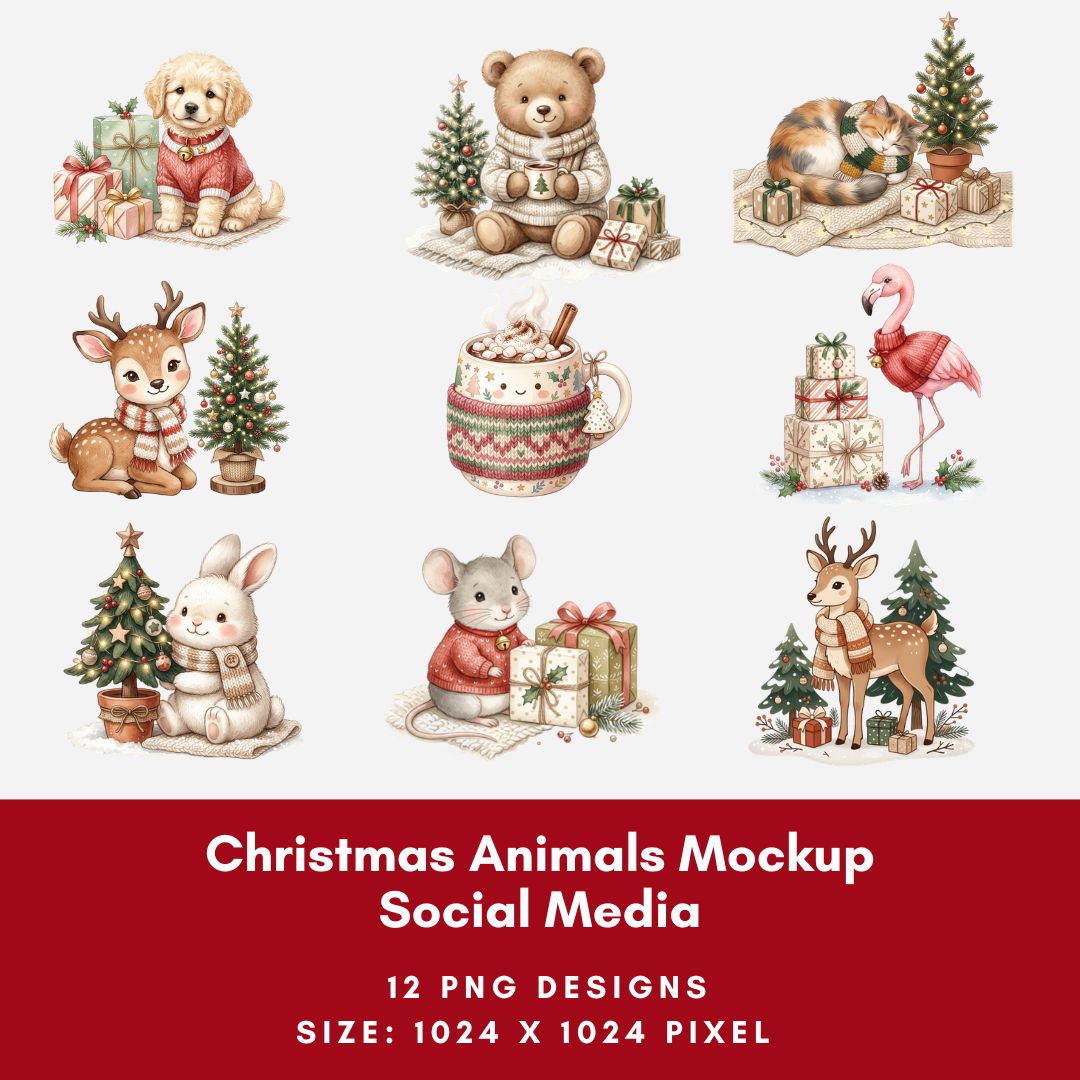
  • Use design template. Christmas Animals Mockup Social Media, Set of 12 Square Prints and PNG Transparent

Creative Juices

Self-Care Quotes

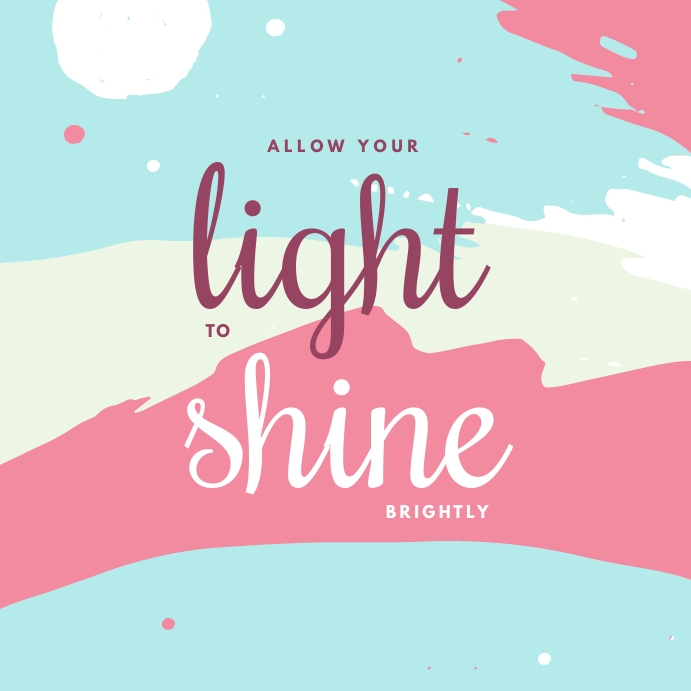
  • Light Shine Design Template

Design Style


  • Experiment, learn, and create professional-quality designs

Kittl AI: Do’s and Don’ts for Better Design Templates

By lizflores on September 18, 2026September 18, 2026


AI design tools can make the creative process faster, easier, and more inspiring. With Kittl AI, designers can explore ideas, create visuals, experiment with typography, and develop eye-catching design templates for social media, marketing, printables, and small businesses. The key is to use AI as a creative partner—not as a replacement for your own design judgment.

Get 50% off annual plans for a limited time only.
Use code: KITTLBRAND

Do’s

  • Do start with a clear idea. Before creating a design, decide on your purpose, audience, mood, colors, and overall style. A clear concept helps you create more consistent templates.
  • Do experiment with prompts. Try different descriptions, styles, layouts, objects, and moods. Small changes to your prompt can lead to completely different creative directions.
  • Do customize the results. Treat AI-generated designs as a starting point. Adjust fonts, spacing, colors, illustrations, images, and composition so the finished template feels intentional and original.
  • Do keep templates practical.  If you’re creating products for customers, make sure text areas are easy to edit and layouts work for different types of content. Templates should be beautiful but also useful.
  • Do create a consistent collection. Build matching templates using a similar color palette, typography, and visual style. A coordinated collection can make your shop look more professional.

Don’ts

  • Don’t rely on the first result. The first AI generation may not be the strongest idea. Explore several variations before choosing a direction.
  • Don’t overcrowd your design. Too many fonts, graphics, colors, and decorative elements can make a template difficult to read. Give your design enough breathing room.
  • Don’t forget to proofread. Always check AI-generated text, spelling, typography, and small details before publishing or selling a design.
  • Don’t copy another designer’s work. Use AI to develop your own concepts rather than reproducing recognizable designs, logos, characters, or protected creative work.
  • Don’t ignore licensing and platform rules. If you plan to sell AI-assisted templates or graphics, review the current Kittl terms, licensing conditions, and the requirements of the marketplace where you sell.

Tips for Creating Better Design Templates

Start with a simple visual system. Choose 2–3 complementary fonts, a small color palette, and a recognizable design style. Then create several variations from the same concept.

Think about how customers will actually use the template. For example, a social-media collection could include an announcement post, quote post, promotional post, product feature, and story template. A wedding collection could include invitations, menus, thank-you cards, signs, and bridal shower graphics.

For a cozy creative shop, try themes such as minimal, warm, soft, calm, coffee-inspired, neutral, pastel, or whimsical. These styles can work beautifully for planners, worksheets, social-media templates, wall art, stickers, and small-business branding materials.

This workflow keeps the creative process organized while leaving room for experimentation.

Use Kittl AI to spark ideas, then add your own creativity and design decisions.

Post Views: 15
Category: Creativity Arts and Stock Photos

Post navigation

Peñafrancia Festival 2026

Related Posts

Creative Fabrica: Free Image Background Remover

October 5, 2023
Read More

Pastel Boho Chic Guitar Sticker

February 25, 2026
Read More

Get Up To 30% Off Graphics, Procreate Brushes, Mockups, — Perfect For Designers

February 7, 2025
Read More

Leave a Reply

You must be logged in to post a comment.

Trending 2026

  • Peñafrancia Festival 2026
  • Fashion Week 2026 Schedule
  • Are you ready? 75th Miss Universe Competition 2026 News, Location, Schedule and Date
  • Cozy Learning
  • Chill and Travel – Good trips feel better together. Share your travel referral, spread the cozy vibes

Holiday Gifts 2026

  • 8K/A4 Sketch Pad 160gsm Drawing Pad Artbook Sketch Book Thick Paper 60Sheets Art
  • 12/48 Colors Oil Pastel for Artist Student Graffiti Soft Pastel Painting Drawing Pen Art Crayon Set

Explore Creativity

Plenty of room to add your own colors, images, words, and creative personality.

  • Pixelcut | Free AI Photo Editor
  • Postermywall: Easy marketing for busy people
  • Kittl | The AI-First Design Platform for Creators
  • Shutterstock: Stock Images, Vectors and Music

Travel Guide

Klook.com

Meets Creativity

  • Pre-made Design PosterMyWall
  • Redbubble
  • Ko-fi
  • Payhip

Recent Posts

  • Kittl AI: Do’s and Don’ts for Better Design Templates
  • Peñafrancia Festival 2026
  • 100 Days Before Christmas Design
  • Fashion Week 2026 News, Look Style, Update and Schedule
  • Trending: September 2026 Ber Months, Holidays, News and Design
  • Christmas Women Outfits Party, Decors, Mockup and Stickers Transparent Backgrounds
  • Positive Thinking Day Design

Digital Downloads

Happy Holidays! Planners, clipart, tips, stickers, fashion and design resources. These files can be saved, printed, or used digitally depending on the product type.


  • Fashion Sale Seasons Vector Mockup Social Media
  • Christmas Women Outfits Party, Decors, Mockup and Stickers Transparent Backgrounds
  • Fall Fashion Stickers Transparent Backgrounds
  • Self-Care, Scrapbook Mockup and Journal
  • Christmas Animals Mockup Social Media, Set of 12 Square Prints and PNG Transparent
  • Study Corner, Social Media and Mockup
  • Enjoy the Little Things – Minimalist Graphics Design Printable Art


Design Templates

Bring your vision to life with a design template that blends creativity and functionality.


  • Board and Planner
  • Work Mode
  • Social Media
  • Beauty and Fashion
  • Qnline Shopping Design
  • Travel Design Templates
  • Winter Design
  • Fall Design
  • Wall Decals
  • Holidays
  • Wedding Design

Start Travel Photography

Staycation, work in travel vacation, holiday, explorations, and adventures. We’ll lead the way. Where to eat? Quick eats for busy, shopping, vacation and travel people.

  • Klook Travel in Manila
  • Get Your Guide Manila
  • Book A Way
©2026 Liz Flores PH | WordPress Theme by Superb WordPress Themes   |   Design: LizFloresPH   About