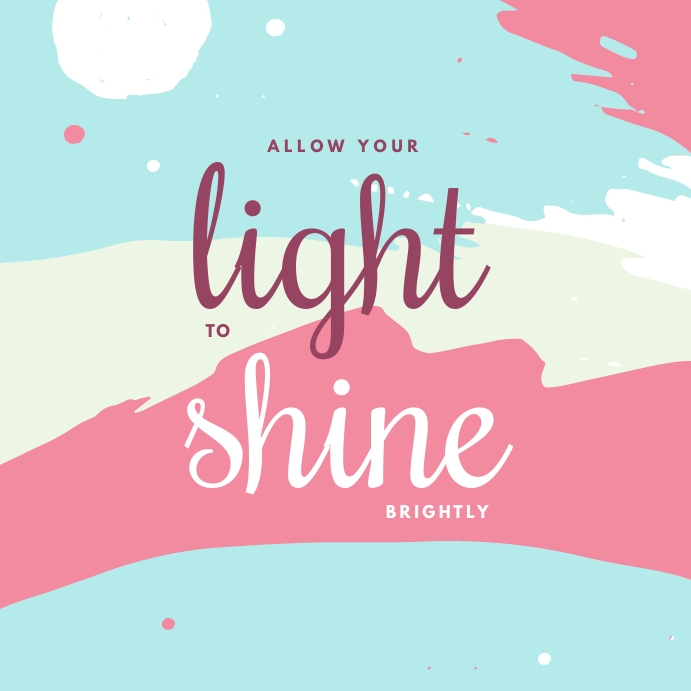
Design that shines you. Do you want to make money online using your existing graphic design skills? Do what you love and success will naturally follow.
Submit a Design Template
- Choose a design template to submit. You will be able to setup your designer profile during the template submission process.
- Choose from millions of professionally designed templates.
Design Requirements
Your design template must meet the following requirements:
- Create a new background image for your design. You cannot use a background provided by PosterMyWall. Your background image (JPEG only) must meet the minimum size requirement outlined on the Background Image Size Requirements page.
- Use high quality images; they should not become blurry at high resolutions.
- Don’t use an existing design template in the Templates Gallery, create a layout from scratch.
- Don’t upload your own fonts, only use ones provided in the PosterMyWall editor.
- Only use preset design sizes, templates with custom dimensions will not be accepted.
Items in your design should not have any interactive links assigned to them.
Getting Paid
- Royalty payouts are sent via PayPal in the first week of every month. You need to have $50 or more in royalties to be eligible for a payout. We will ask you for your email address with PayPal when setting up your designer profile.
Template Design Tips
- Your design templates must be easy to customize for users. Keep the following things in mind when creating your layout in the editor.
- Use appropriate default text alignment. For example if a heading is center aligned in your design template, make the text element span the width of the template and set text to be center aligned. The bad way of doing this would be to position a text element such that its text appears in the center of the design but is actually left aligned in the text element.
- Use image effects in the editor instead of applying effects in Photoshop/GIMP. For example, if your design template contains a black and white image, use the filter in the PosterMyWall editor to make that image black and white. That way, if a customer replaces your image, their image will be black and white as well and maintain the consistency of your design.
- Explore and master all design elements available in the PosterMyWall editor such as Fancy Text, Shapes, and Clipart. Take the tour for an overview.
- Using a lot of Fancy Text elements will increase the time it takes for your design template to load. Only use 2~3 Fancy Text elements in your template.